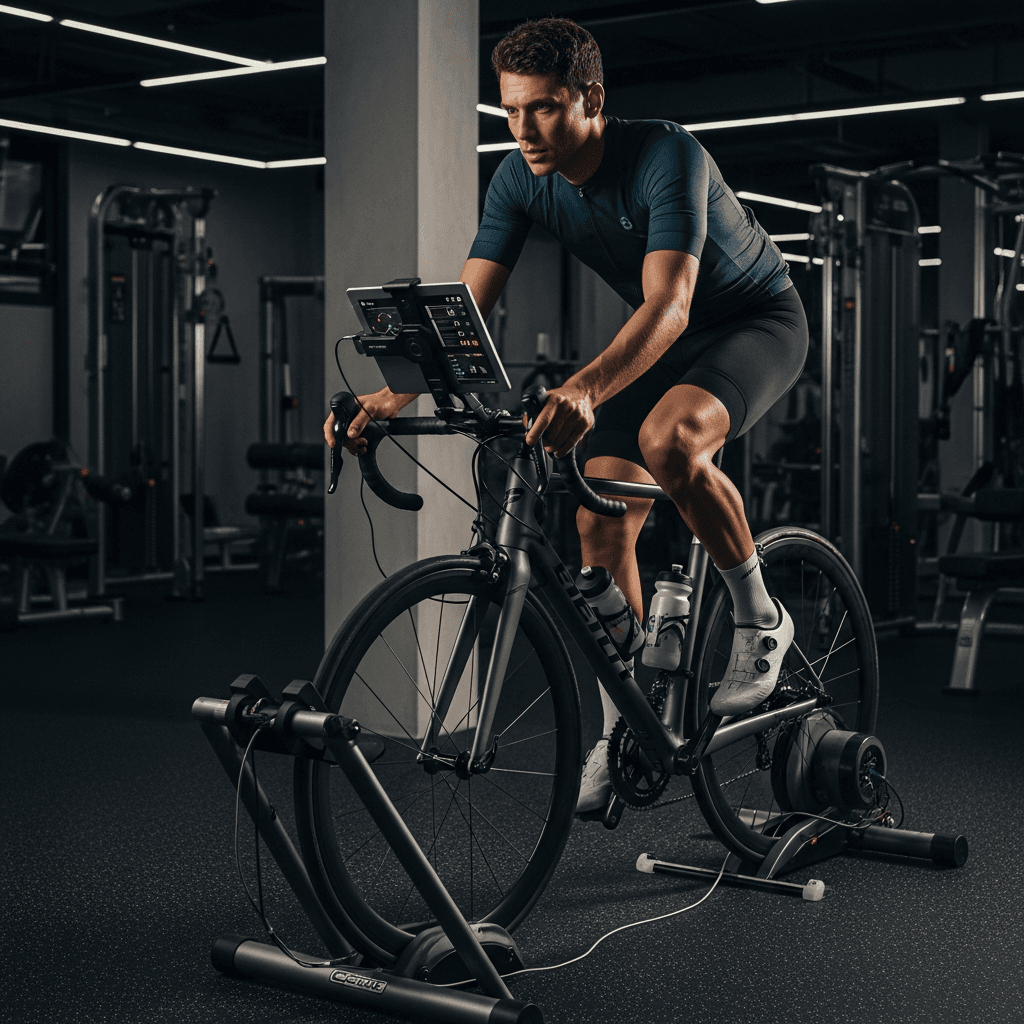
Your Functional Threshold Power (FTP) is the maximum average power you can sustain for approximately one hour. It's the single most important number in cycling training — every training zone, every workout prescription, every structured session is built around it. Testing it accurately takes less than 30 minutes. Using it transforms vague "ride hard" sessions into precise, targeted training.
Here's everything you need to know: what FTP means, three test protocols, and how to translate your number into training zones that actually work.
What Is FTP?
FTP stands for Functional Threshold Power, measured in watts. It represents the highest average power output you can sustain for 60 minutes in an all-out effort.
In practice, true 60-minute max power tests are brutal and rarely done. Instead, three shorter test protocols are used to estimate FTP, each with different trade-offs between accuracy, fatigue, and difficulty.
Why watts and not heart rate? Power is an external measurement — the actual work your bike applies to the road. Heart rate is an internal measurement that varies with fatigue, heat, stress, and caffeine. For cycling, power is more objective and immediately actionable. Heart rate still has value (especially for recovery monitoring), but power is the gold standard for training intensity.
Test Protocol 1: The 20-Minute FTP Test
This is the classic test. You ride as hard as possible for 20 minutes and take 95% of that average power as your FTP.
Why 95%? Because 60-minute sustainable power is approximately 95% of 20-minute max power for most cyclists. The remaining 5% accounts for the anaerobic energy contribution in a 20-minute effort that's not sustainable for 60 minutes.
20-Minute Test Protocol
| Phase | Duration | Intensity | Notes |
|---|---|---|---|
| Warm-up | 10 min | Easy (Zone 1–2) | Gradual increase |
| Opener | 5 min | Moderate (Zone 3) | Clear legs |
| Recovery | 5 min | Very easy | Bring HR down |
| Sprint | 10 sec | All-out | Activate fast-twitch fibers |
| Recovery | 5 min | Very easy | Full recovery before test |
| 20-min test | 20 min | All-out effort | Pace evenly — start steady |
| Cool-down | 10 min | Easy | Spin out the legs |
The most common mistake: Starting the 20-minute effort too hard. The first 5 minutes should feel "hard but sustainable." If you blow up at minute 12, your FTP will be artificially low. Practice pacing by targeting a specific power output rather than going purely by feel.
Calculate your FTP: FTP = Average 20-minute power × 0.95
Example: Your average power for the 20-minute effort was 240 watts. FTP = 240 × 0.95 = 228 watts
When to Use This Test
- When you want the most widely accepted FTP number
- When you're comfortable with hard sustained efforts
- When you're testing on a smart trainer (resistance can be controlled precisely)
Test Protocol 2: The Ramp Test
The ramp test starts at a very low power and increases by a fixed amount every minute until you can't continue. FTP is then calculated from your peak 1-minute power.
Formula: FTP = Peak 1-minute power × 0.75
Ramp Test Protocol
Most cycling apps (Zwift, TrainerRoad, Wahoo SYSTM) automate this. The structure:
- Start at 100–150 watts (or ~50% of estimated FTP)
- Increase by 20 watts every minute
- Continue until you can no longer maintain the target power
- Stop immediately when you fail
- App calculates FTP automatically
Advantages:
- Takes 15–25 minutes total
- Less mental and pacing skill required — the test controls the effort
- Less fatigue afterward
- More accessible for beginners
Disadvantages:
- Slightly less accurate for pure time trialists and diesel engines (athletes with high aerobic capacity but lower anaerobic capacity tend to produce a slightly higher FTP estimate from ramp tests)
- Requires a smart trainer for automated resistance control (can be done manually but is harder)
Ramp Test FTP Calculation
If your peak 1-minute power was 340 watts: FTP = 340 × 0.75 = 255 watts
Note: The 75% figure can vary slightly by fitness type. Endurance-focused athletes may use 73%, while riders with more sprint capacity may use 77%. Most apps use 75% as the default.
Test Protocol 3: The 2×8-Minute Test
This protocol uses two 8-minute all-out efforts with a 10-minute recovery between them. It's less popular but useful when you want to check FTP mid-season without the full fatigue of a 20-minute test.
Formula: FTP = Average of both 8-minute efforts × 0.90
2×8-Minute Test Protocol
| Phase | Duration | Intensity |
|---|---|---|
| Warm-up | 15 min | Easy, with 2–3 short openers |
| First 8-min effort | 8 min | All-out |
| Recovery | 10 min | Easy spin |
| Second 8-min effort | 8 min | All-out |
| Cool-down | 10 min | Easy |
Example: First effort average = 275W, second effort average = 265W. Average = (275 + 265) / 2 = 270W FTP = 270 × 0.90 = 243 watts
Best use case: Quick FTP checks between structured training blocks, or for athletes who find the 20-minute effort too psychologically demanding.
Comparing the Three Protocols
| Protocol | Test Duration | Total Session | Fatigue | Accuracy |
|---|---|---|---|---|
| 20-minute | 20 min | ~60 min | High | High (gold standard) |
| Ramp test | 15–25 min | ~40 min | Medium | Good (varies by type) |
| 2×8-minute | 2×8 min | ~50 min | Medium-High | Good |
For your first FTP test, use the ramp test. For ongoing training, pick one protocol and stick with it — consistency in testing method matters more than which method you choose.
How to Use FTP for Training Zones
Once you have your FTP, you can set precise power zones. The most widely used system in cycling is the 7-zone model from Dr. Andrew Coggan.
| Zone | Name | % FTP | Example FTP 250W | How It Feels |
|---|---|---|---|---|
| Zone 1 | Active Recovery | < 55% | < 138W | Very easy, no strain |
| Zone 2 | Endurance | 56–75% | 140–188W | Comfortable, conversational |
| Zone 3 | Tempo | 76–90% | 190–225W | Moderate, focused |
| Zone 4 | Threshold | 91–105% | 228–263W | Hard, FTP effort |
| Zone 5 | VO2max | 106–120% | 265–300W | Very hard, 3–8 min intervals |
| Zone 6 | Anaerobic | 121–150% | 303–375W | Near max, 30s–2min efforts |
| Zone 7 | Neuromuscular | > 150% | > 375W | Sprint, < 30 seconds |
For a detailed breakdown of when to train in each zone and the specific adaptations, see Cycling Power Zones Explained.
How Often Should You Retest?
| Scenario | Retest Frequency |
|---|---|
| New to structured training | Every 4–6 weeks |
| Building phase (base) | Every 6–8 weeks |
| Racing season | Before key race blocks |
| Maintenance/off-season | Every 8–12 weeks |
Signs your FTP has changed and you should retest:
- Zone 2 efforts feel significantly easier than before
- Your 20-minute power on recent rides has clearly increased
- You've completed 6+ weeks of structured training since your last test
- Race performance has noticeably improved
Preparing for an FTP Test
48 hours before: Avoid hard training. Do an easy 30–45 minute spin the day before at most.
Morning of: Well-rested, well-fed. Eat a carbohydrate-rich meal 2–3 hours before. Hydrate well.
Warm-up: Don't skip it. A proper warm-up primes your aerobic system, removes lactate from resting muscles, and psychologically prepares you for the effort.
Equipment: Ensure your power meter is calibrated (zero-offset if using a crank or pedal meter). On a smart trainer, do a spindown calibration before the test.
Conditions: Do the test on a smart trainer or a known segment outdoors with no stops. Outdoors adds variables (wind, traffic, traffic lights) that can affect results.
How FlipMP Helps Cyclists Track FTP Progress
FlipMP connects to your Garmin, Wahoo, or Zwift account and automatically reads your FTP from your device — no manual entry needed. When you update your FTP after a test, all your training zones update automatically. The AI coach tracks whether your workouts are hitting target zones and flags sessions where power consistently drifts high or low.
Over time, FlipMP shows you your FTP trend — one of the clearest measures of training progress in cycling. Compare your zones before and after a training block to see exactly how much faster your aerobic engine has become.